
CMake is cool, Qt is cool. Both together not so, if you don’t know what you’re doing. This describes how to build a Qt project CMakeLists.txt so everything works and how to run / debug your application in Linux and Visual Studio. Make sure to additionally check out the Qt5 CMake docs and the CMakeContinue reading “Setting up a Qt 5 CMake project for Visual Studio and Linux”
Category Archives: linux
Building and installing the MP4 / M4A / AAC plugin for Mixxx 2.0 / 2.1 on Ubuntu

This is a pita. You’ve installed and set up Mixxx, but your .m4a files are not shown in the library. You need to compile Mixxx from source, but it is fast to do so. Here’s how. I tested this on Ubuntu 16.04.02 LTS 64bit and it will build Mixxx 2.0 / 2.1 under “/mixxx”. YmmvContinue reading “Building and installing the MP4 / M4A / AAC plugin for Mixxx 2.0 / 2.1 on Ubuntu”
Stream hardware-encoded H.264 video from a Raspberry Pi to a web page using WebRTC
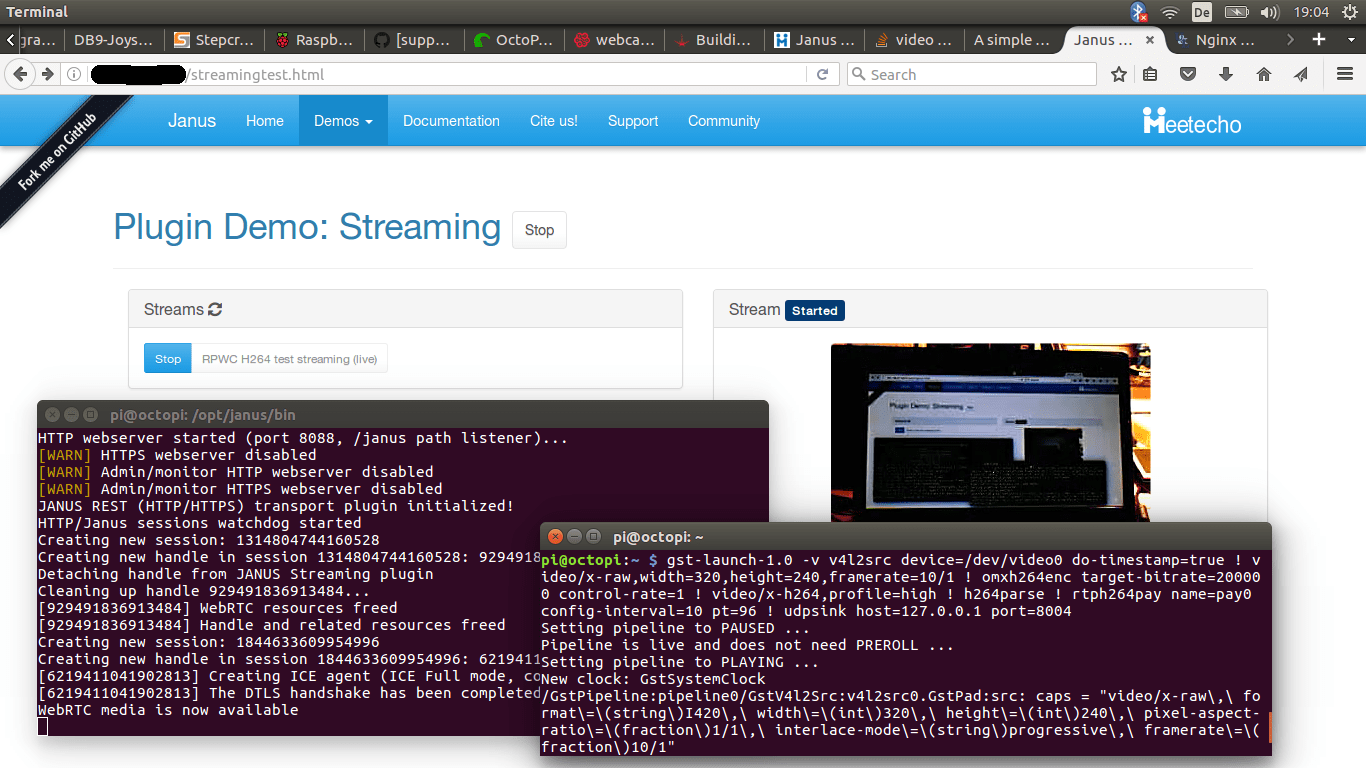
I use the wonderful 3D printing distribution OctoPi (which in turn uses OctoPrint) on a Raspberry Pi Zero to start and monitor my 3D prints. It has built-in webcam functionality, which means you can monitor your printer and see in the web interface if the print is going well or not – really nice! TheContinue reading “Stream hardware-encoded H.264 video from a Raspberry Pi to a web page using WebRTC”
Hiding the mouse cursor in Kodi
I use Kodi with a touchscreen and wanted to hide the mouse cursor, but NOT disable mouse input. This can be done by using a 1×1 transparent PNG file as the mouse cursor. Find out what skin you’re using and where your skin directory is. For me this is “estouchy” and its directory is /usr/share/kodi/addons/skin.estouchy.Continue reading “Hiding the mouse cursor in Kodi”
Properly setting up a 5″ HDMI touchscreen for Kodi on Raspbian
Wow. This was a royal pita. I wanted to build this wake-up-light-alarm-clock-media-thingy for my girlfriend. Well, I got my hands on a RPi Zero and needed an LCD display. I found this nice-looking “WaveShare 4″ IPS display” on Ebay and spent days trying to get it to work properly. You want a hint? DONT DOContinue reading “Properly setting up a 5″ HDMI touchscreen for Kodi on Raspbian”
Adding backlight control to a 5″ HDMI screen (and Kodi)
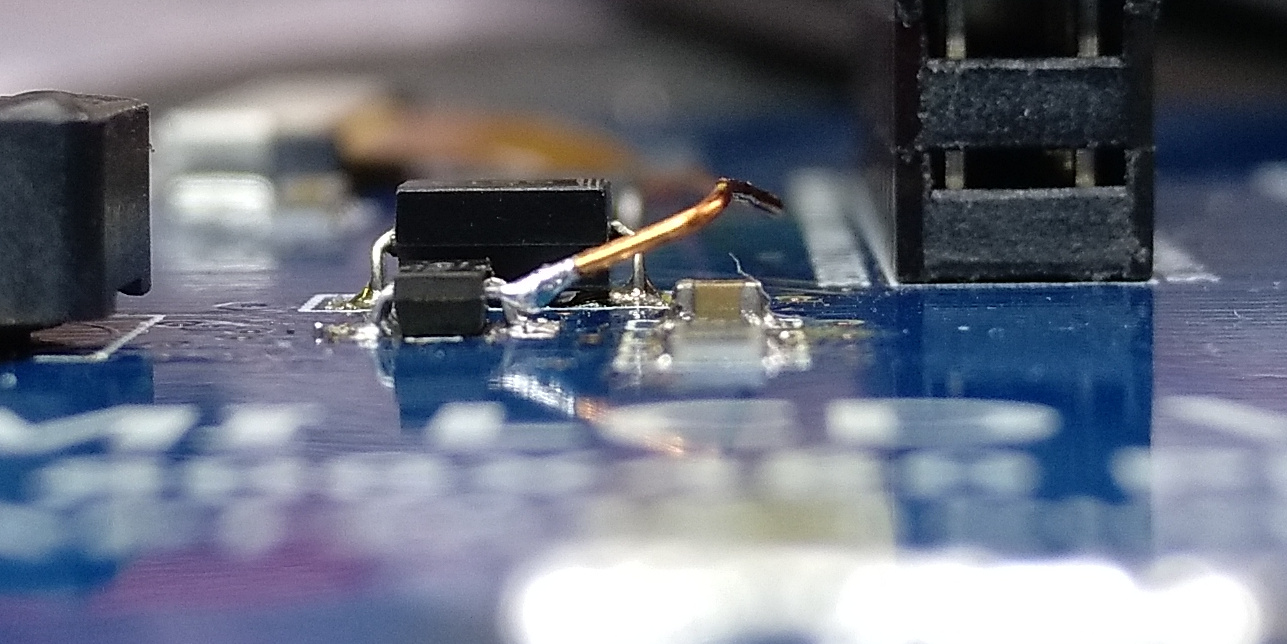
So the screen from here is working in Kodi now (LCD datasheet / pinout), but it draws a lot of power when the backlight is on (~200mA extra). We want to turn at least the backlight off, leaving the touchscreen active so we can interact and wake it up again. Buuut the LCD has noContinue reading “Adding backlight control to a 5″ HDMI screen (and Kodi)”
Building a Kodi in-car entertainment system using a Motorola Atrix Lapdock and an Odroid C0

Watching movies in the car is great fun. It is even better when you have a camper and lie in your comfy sleeping bag – I needed an in-car entertainment system.I have a stereo in the car already that can even play videos, but the screen is small, codec support is limited and it isContinue reading “Building a Kodi in-car entertainment system using a Motorola Atrix Lapdock and an Odroid C0”
Useful Linux scripts for standalone systems, emulators, HTPCs etc.
Booting the system to console with grub2 Edit the file /etc/default/grub: Change the line GRUB_CMDLINE_LINUX_DEFAULT to include “text”: Save the file and update grub: Note that on systemd systems this might not be enough. Switch to text mode using this: You can switch back to graphical mode using “graphical.target”.Now reboot. Auto-login user on console tty1Continue reading “Useful Linux scripts for standalone systems, emulators, HTPCs etc.”
Useful Linux scripts etc.
A better find I keep using the find command in Unix as such: “find / -name SOMETHING” (Yes, I know there’s locate, too). You always get an error message when you hit a directory you don’t have permissions for, but I usually don’t care about those directories anyway, so it makes sense to pipe thoseContinue reading “Useful Linux scripts etc.”
Installing and switching gcc/g++ versions in Debian
Installing newer gcc/g++ versions is easy: If your system does not provide the new versions, you might still be able to get them via a different repository. Add the toolchain repository to your system and update your sources: Now you should be able to install gcc/g++. The real problem comes after that. How to makeContinue reading “Installing and switching gcc/g++ versions in Debian”
 Lektion des Tages