Now I have those cheap USB gamepads, XBMC running, the ROM collection browser addon and MAME all set up. Awesome! But why can’t I navigate XBMC with my joystick to select games and adjust the volume etc?! Here’s how to solve that problem… 1. Prequisites First of all you need joystick support and some tools.Continue reading “Using an USB joystick or gamepad in XBMC on Ubuntu”
Author Archives: HorstBaerbel
Calculate Catmull-Rom splines using forward differencing – UPDATE
I finally had the time to finish this post by whipping up a small JavaScript canvas example to show forward differencing in action. Not much to see there, actually, other than that the regularly drawn spline and the one drawn with forward differencing look the same. Here’s the part of the code that does theContinue reading “Calculate Catmull-Rom splines using forward differencing – UPDATE”
Setting up an Arduino + LPD8806 ambilight using boblight with XBMC on Ubuntu
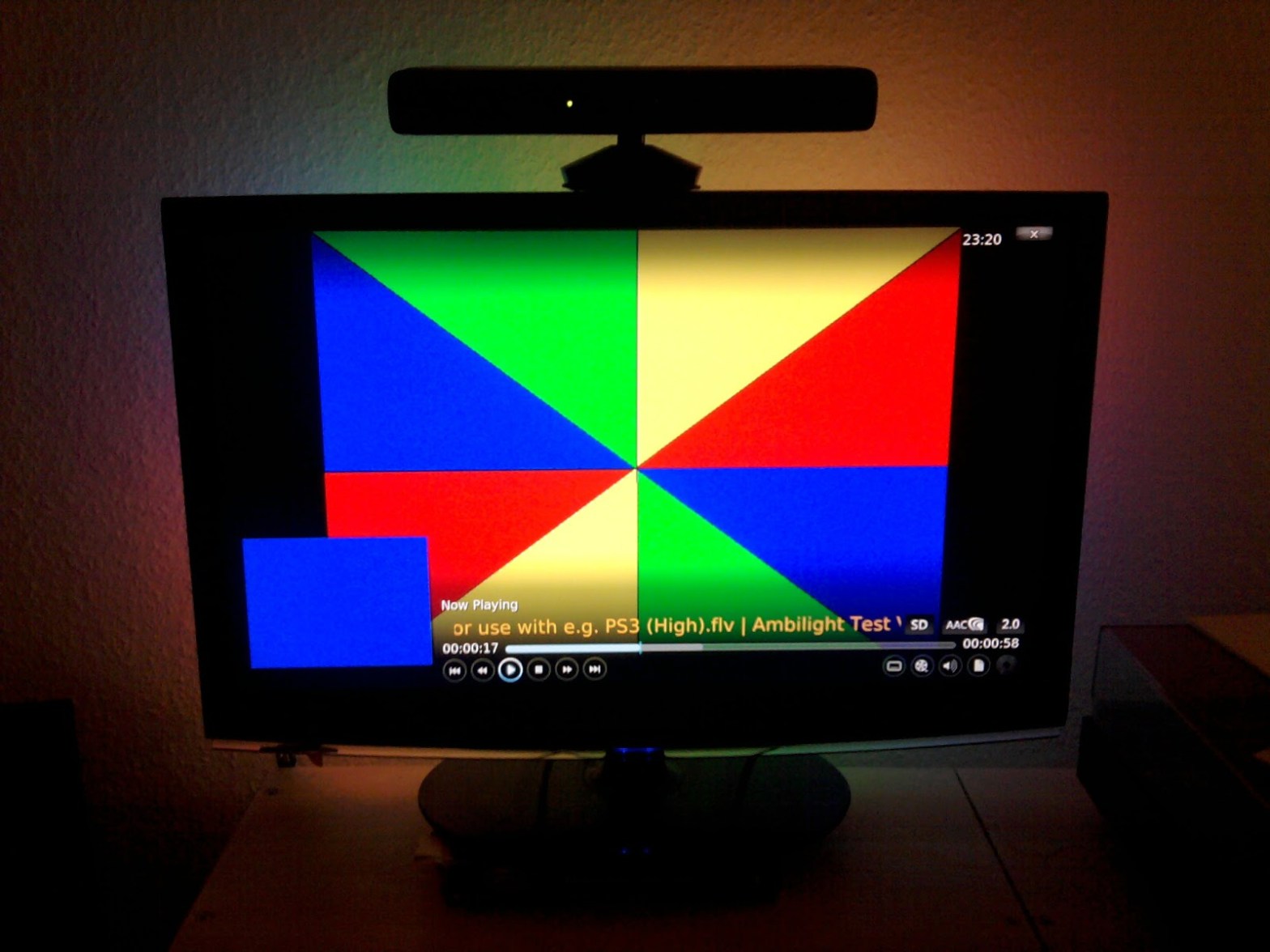
An Ambilight is a great thing – if it works. I want to write about some of the hoops I had to jump through to make it work. This is very Linux-specific, but you might take away something for other configurations too… Here is the original adalight tutorial, which I used to get this workingContinue reading “Setting up an Arduino + LPD8806 ambilight using boblight with XBMC on Ubuntu”
Adding a “proper” keyboard backlight to an Acer Aspire 3820TG notebook
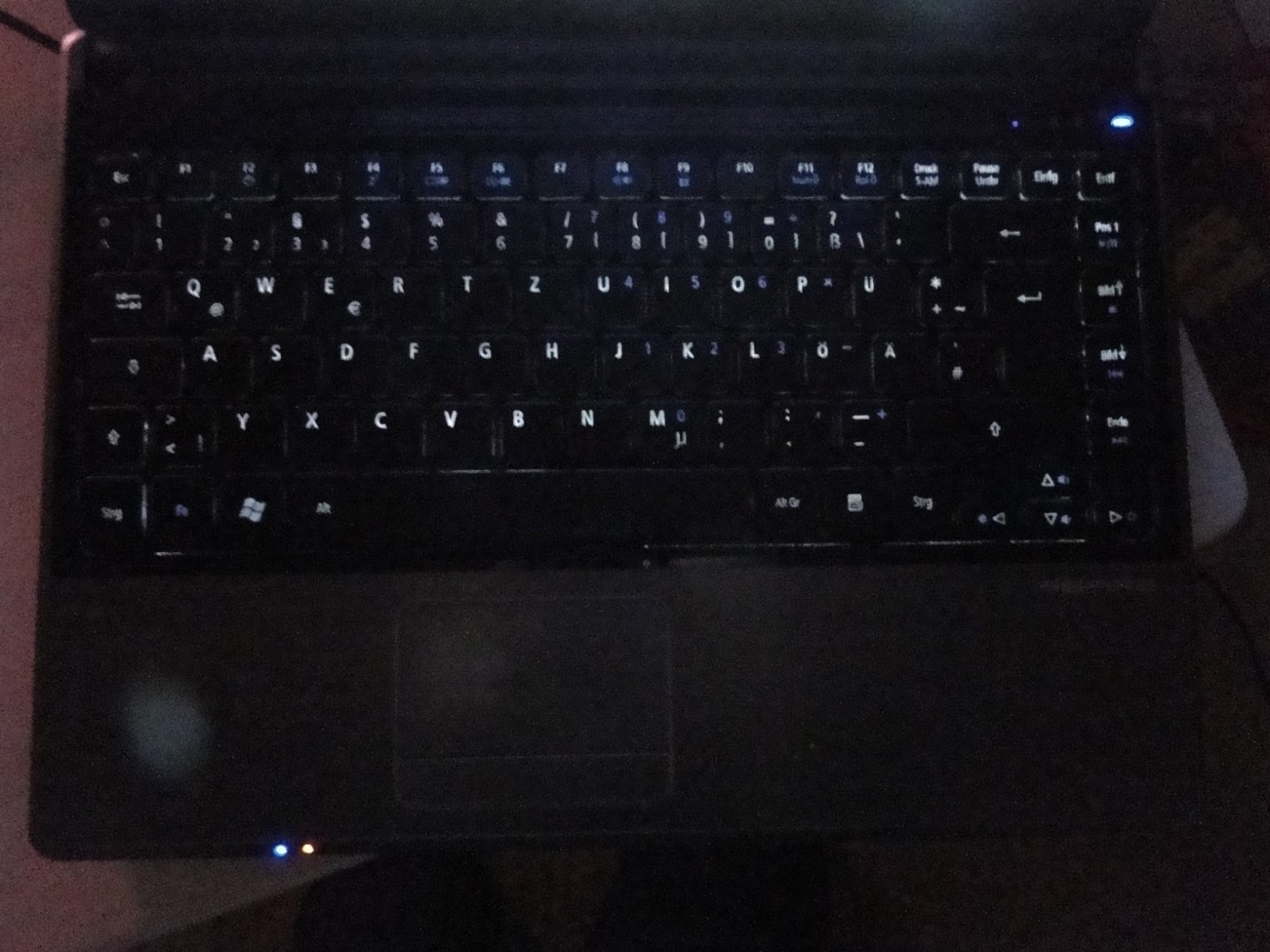
This thing started long ago when I got the laptop. I love it, but it really lacks a backlit keyboard. There was one excellent thread with people presenting solutions (add tiny switches, soldering to the bluetooth connector, to the USB breakout board etc.), but I found none of them really satisfying. I decided to voidContinue reading “Adding a “proper” keyboard backlight to an Acer Aspire 3820TG notebook”
Calculate Catmull-Rom splines using forward differencing
Update: Here’s a little JavaScript canvas example to give you some sourcecode… Splines are a nice for interpolation of all kinds of stuff. A very nice, thorough (Bezier) spline documentation with lots of examples can be found here.Catmull-Rom splines are handy, because they always pass through their control points. No fiddling with tangents and stuff.Continue reading “Calculate Catmull-Rom splines using forward differencing”
A little canvas experiment
Here’s some base code for simple canvas animations: When you put this into a HTML file and load it in your browser it should look like this.
Using CriticalSections to synchronize shared resource access
When developing multi-threaded applications you can never be sure when and in which order threads run, so you have to synchronize access to shared resources. Otherwise, for example, one thread could modify a piece of data while another thread reads or modifies it. This can give you inconsistent data or, especially when resource allocation/deallocation isContinue reading “Using CriticalSections to synchronize shared resource access”
Writing a DLL containing C++ classes
Putting functions into a DLL is a good thing. It helps you to reuse stuff, save space on updates, save build time etc. To write a DLL the proper way you have to keep some things in mind though. Those hints are basically the “best-practice” from this page. A DLL is a library, a collectionContinue reading “Writing a DLL containing C++ classes”
Using FrameBufferObjects in shaders
Using FrameBufferObjects in shaders would go something like this: Set up your FBO (see here). Render scene while writing values to gl_FragColor and gl_FragDepth (in our case). You could also have more draw buffers, then you could also write to gl_FragData[0-9]. Keep in mind, that values will be clamped to [0,1] unless you use glClampColorContinue reading “Using FrameBufferObjects in shaders”
FrameBufferObjects in OpenGL
FrameBufferObjects are basically off-screen frame buffers, similar to the regular frame buffer you are normally rendering to. Using FBOs in OpenGL you can do some nice stuff like post-processing or rendering to a texture. There’s a difference between: FrameBufferObjects: FBOs can be bound to / used as a texture, but performance may be lower. RenderbufferObjects:Continue reading “FrameBufferObjects in OpenGL”
 Lektion des Tages